A screen time tracker built on daily intent
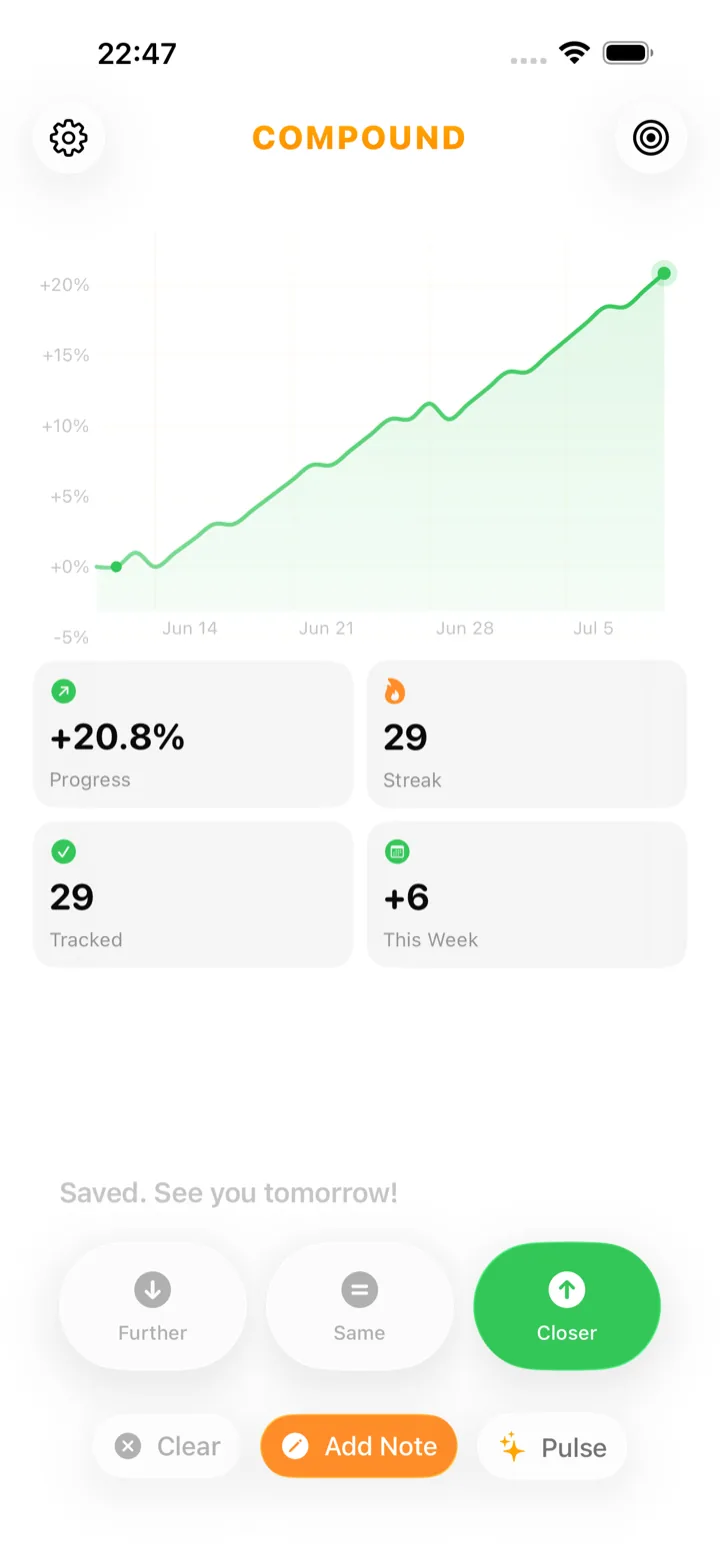
Compound is a screen time tracker for iPhone that asks one question a day: did you get closer to your goal today? Put the phone down earlier, skipped a mindless scroll, kept it out of the bedroom — tap ↑ Closer. Your answers build a trajectory chart of your progress toward less screen time, based on your own honest sense of the day, not automatic usage numbers. Free on the App Store.

Why screen time numbers don’t change behavior
Automatic screen time reports show you a number, but a number alone rarely changes anything — most people glance at their weekly report and feel briefly bad, then keep scrolling. Compound tracks your intent instead: did today, on balance, move you toward the relationship with your phone you actually want?
A usage total doesn’t distinguish between an hour of a video call with family and an hour of doomscrolling — both count the same toward the number, but only one matters to your goal.
What actually shifts screen habits is a daily moment of honest reflection, not a passive chart of minutes. That reflection is the three-second question Compound asks every evening.
How Compound tracks reducing screen time
Name your goal — “Less phone before bed,” “More present with family” — and answer one honest question every evening: did you get closer today? The chart turns those daily answers into a visible trajectory, showing whether your relationship with your phone is actually trending the way you want.
- Left the phone in another room during dinner → ↑ Closer
- Normal day, about the usual amount of scrolling → → Same
- Lost an hour to short-form video before bed → ↓ Further — honest data, not a failure
Compound doesn’t read your device’s usage data or set app limits — it asks you to notice and report, which is a different kind of awareness than a passive number.
What a scroll-heavy day looks like in Compound
You tap ↓ Further, the line dips one notch, and tomorrow the same calm question returns. One long scrolling session doesn’t erase a good week of intentional phone use — in Compound it’s a single visible dip in a trend, not a guilt-tripping usage alert.
Screen time apps that shame you with red numbers and warning banners tend to backfire — people either ignore the alerts or turn them off entirely.
Compound keeps the dip proportionate and quiet: visible in the chart, gone from view otherwise, with tomorrow’s question arriving exactly on schedule.
Pulse notices your real patterns
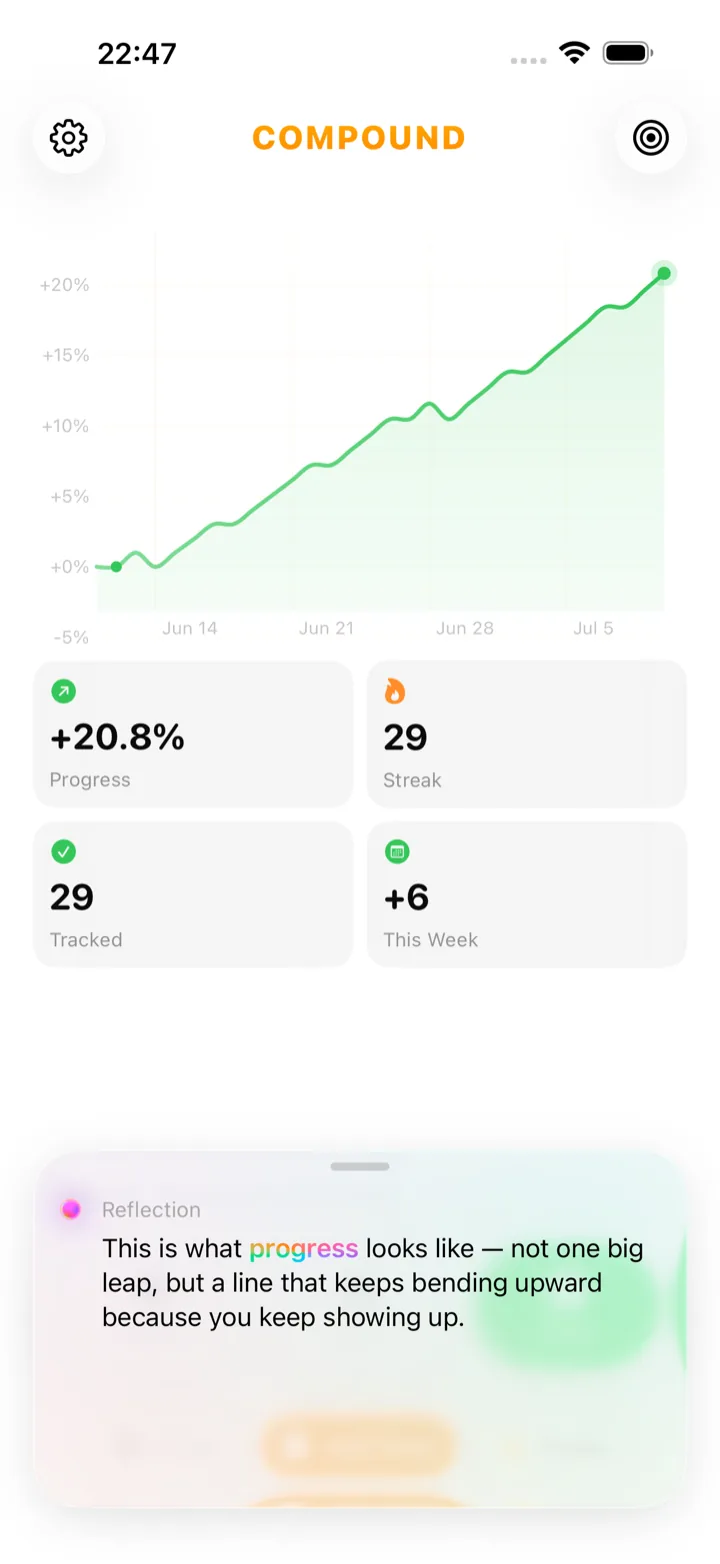
Pulse, part of Compound Pro, reads your recent days and reflects back the pattern behind your screen habits — including which situations tend to precede a ↓ Further day.
“Your ‘Further’ days almost always follow a late night with no wind-down routine. Evenings you charge your phone outside the bedroom are consistently ‘Closer’ days.”
Screen time questions
Related ways to use Compound
Compound is a general goal & habit tracker — see everything it does →
See you tomorrow.
 Scan to download on your iPhone